Every printer you own One place. One price.
Watch, queue and print across all your printers from one app on your own hardware. One purchase covers unlimited printers and every feature.
- Coming soon
- No printer cap
- No feature tiers
- No account
Every printer, live.
Progress, temperatures, layer and time left for each printer, read from it over your own network.
Working in dev app
See the next finish coming.
The strip up top counts down to the next print off the bed, so you know when to walk over.
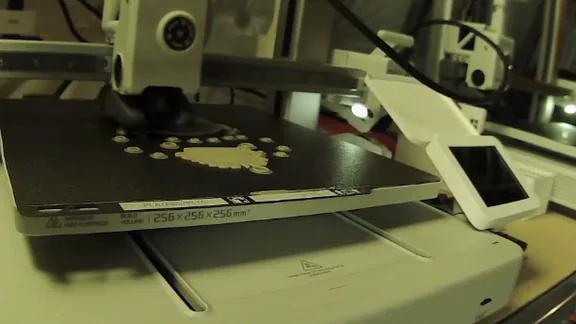
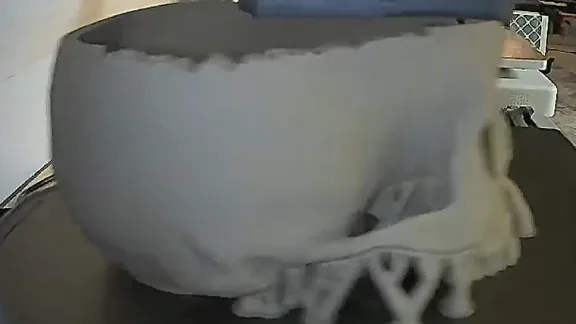
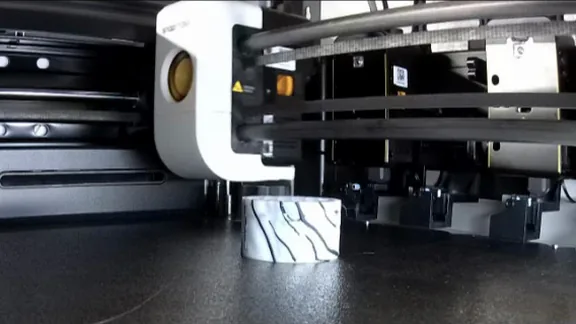
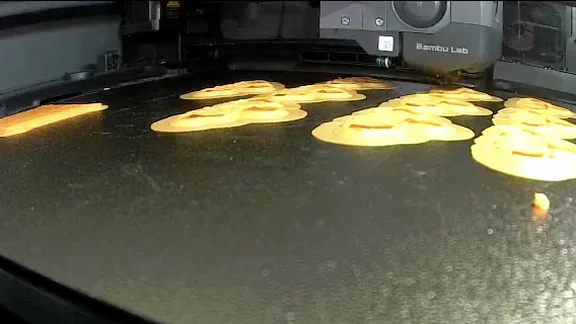
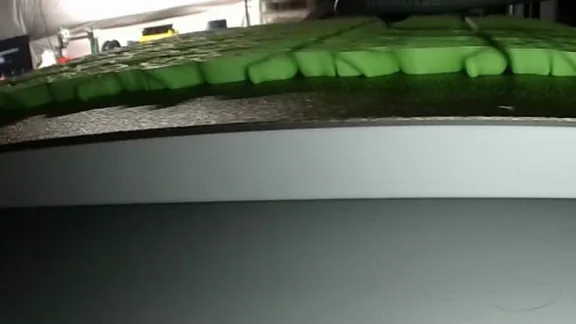
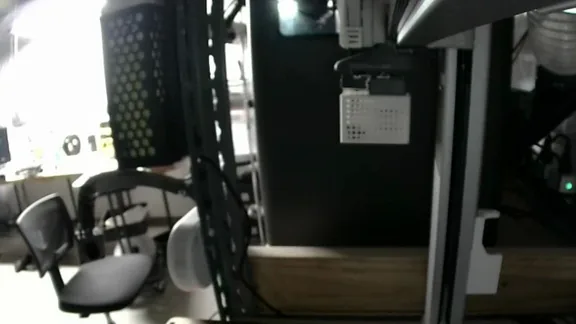
Look closer.
Open any chamber camera full size when something looks off.
Then see every camera.
Cameras side by side, arranged into walls of cameras and printer cards that you name and come back to.
Working in dev app
Every model, kept.
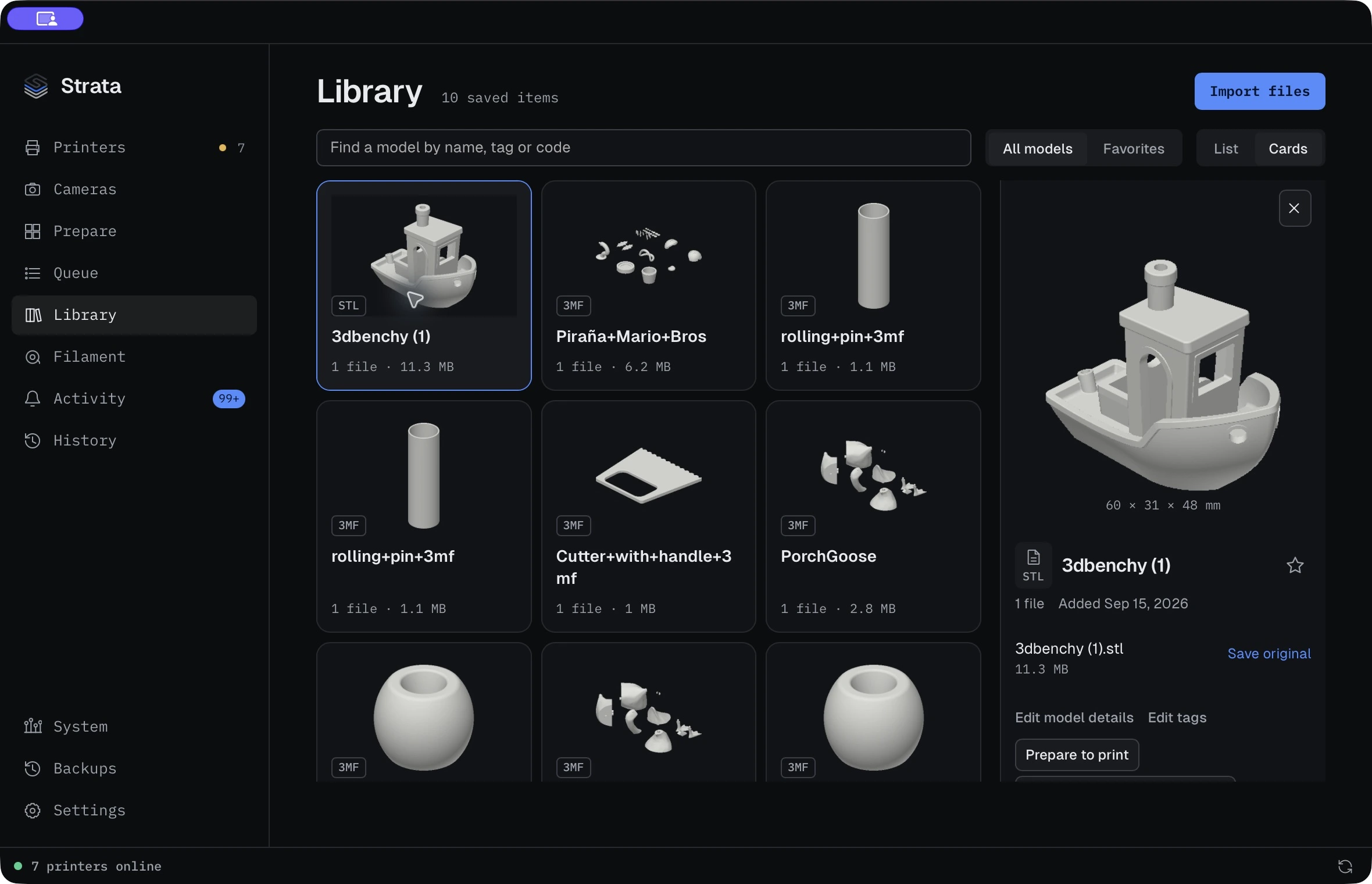
Import, tag and favourite your models, then find them by name, tag or code. Originals stay untouched.
Working in dev app
The library screen is the actual development app.
Queue it. Assign it.
Every print goes through a queue you can reorder, hold and assign to the printer you choose.
Working in dev app
Know every spool.
Track real spools: what's left on each one, and where it lives.
Working in dev app
Keep it all safe.
Verified backups of your library and records, with a restore you can rehearse.
Working in dev app
Works with the printers you already own.
- Bambu Lab
- Creality
- FlashForge
- Snapmaker
- Elegoo
- Prusa
Brand names and logos belong to their owners. Strata is not affiliated with or endorsed by them.
One purchase. Unlimited printers. Every feature.
- Typical tiered plan
- Strata
Strata costs the same whether you run one printer or a whole workshop. No printer cap, no feature tiers, nothing to upgrade when you add a printer. The exact price will be announced before release.
- Licence key, no account
- Install on every machine you own
- One year of updates included
- Same price for everyone
Working in dev builds
Keep your workshop in view.
Put a camera wall on the workshop TV and carry every printer in your pocket. The Apple TV and iPhone apps run in development builds today, and any screen with a browser can show a wall too. Android is coming.
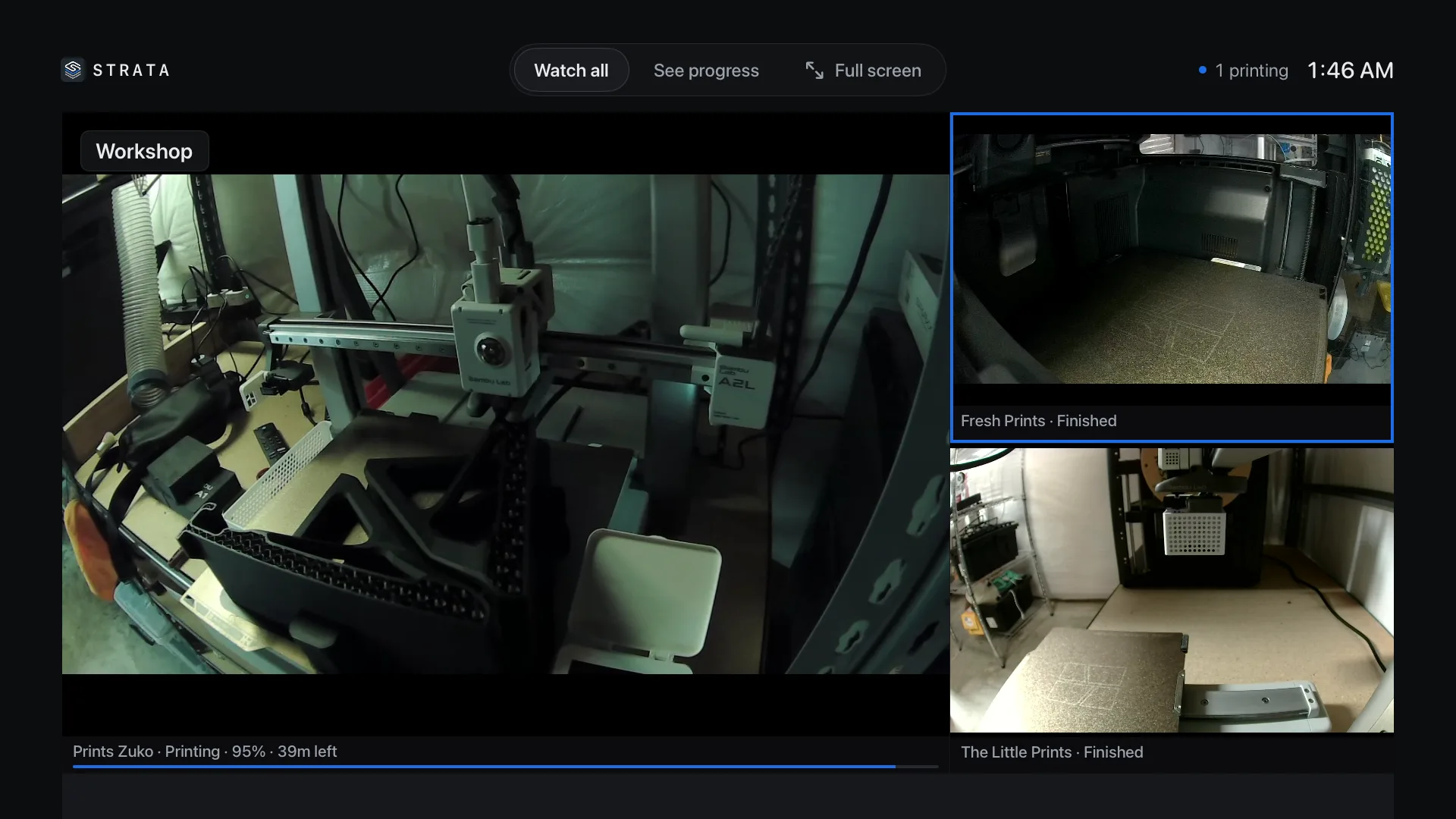
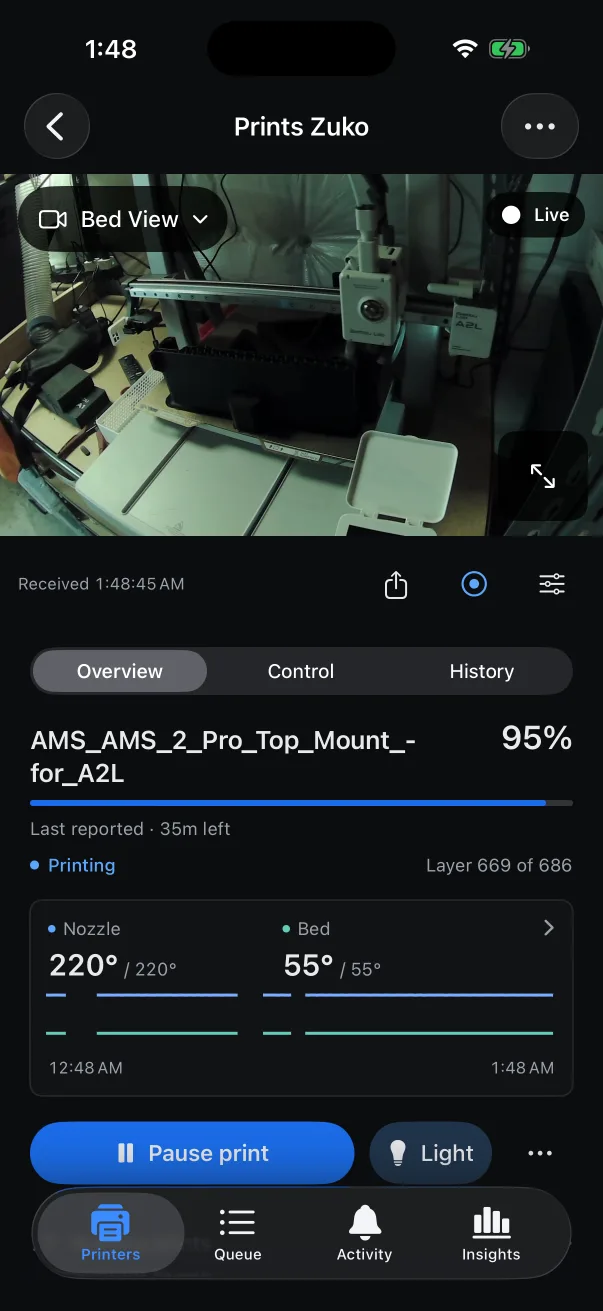
Development builds, live from our workshop. The finished apps may look different.
New in dev app
See the power every print really uses.
Connect Home Assistant and give each printer its sensors: the smart plug that meters it, the room's humidity, the enclosure's temperature. Strata records them through every print, so History shows the energy each one actually used and what it cost in filament and electricity.
- Measured at the plug
- Energy comes from the plug's own meter. A printer without one gets an estimate from its average power, labelled as an estimate.
- Limits that notify
- Set a limit on any sensor, like humidity above 55 %, and get a notice wherever your print alerts go.
- Read-only
- Strata never switches a plug or changes anything in Home Assistant.
Strata also connects to
- Slack, Discord, email and textFinished, failed and paused prints, a plate ready to clear, and the first-layer photo.
- Live streamsSend a camera to Cloudflare Stream or any RTMPS service, with an end time you set.
- OBSYour cameras as OBS sources, each shown only while its printer prints.
- BIQU Panda BreathThe chamber heater's target, mode and filament drying, beside the printer it warms.
- Shopify and Etsy Shop testing nextRead paid orders, choose what to print, and confirm each order into the queue. Built in development; real-store testing is still ahead.
What's next for Strata.
The focus is finishing the printing workflow and proving it on more setups before release.
-
You are here
Now
Working development builds.
Check your printers from your desk, phone or workshop TV. The apps and browser camera walls are already running in development.
-
Next
Make every print dependable.
Finish and test the path from a prepared file to a finished print, including interruptions and printing it again.
-
Then
Test more setups.
Check fresh installs, interrupted connections and restores on more machines and printer setups.
-
Ahead
Invite more people in.
Share private builds with more testers, publish the tested printer list, and work through their feedback.
-
1.0
Ready to release.
Install and update with confidence, know which printers are supported, and get help when you need it. One price for everyone.
Also planned
-
Planned · 1.0
Send from your slicer
Slice in the app you like, send the file to Strata to queue and print.
-
Planned · 1.0
Reslice for another printer
Change the printer profile in Strata, keep compatible settings, and let your installed slicer make a new print file.
-
Planned
Custom print workflows
Set up repeatable printing steps, with safety checks before a printer starts.
Be here when Strata is ready.
Join for free on Patreon for development updates, real app demonstrations, and news about testing and release plans.
Join for free
Strata is coming soon. Joining Patreon is a way to follow the project; testing access and software availability will be announced separately.
Tell me which printer you use and what you'd like to make easier. hello@strataprintworks.com
Before you join.
Is it really unlimited printers?
Yes. One purchase covers every printer you connect, with every feature. There are no printer-count tiers and no feature tiers.
Is Strata ready to download?
Strata is still in development. Testing opportunities and release availability will be announced here and on Patreon when they're ready.
Will it work with my printer?
Strata works with Bambu Lab, Creality, FlashForge, Snapmaker, Elegoo and Prusa printers. The full list of supported models will be published before release.
How much will Strata cost?
The same price for everyone, with no pricing tiers. The exact price will be announced before release.
Do I need an account?
No. Strata uses a licence key, not an account. Bambu printers connect with their local access code; Strata never asks for your Bambu login.